Layer instructions without conflict
Global, project, and folder rules
After this, you'll be able to decide whether a rule belongs in global guidance, project AGENTS.md, a deeper folder instruction, config, or the current prompt.
Before you start
Complete Make AGENTS.md useful first.
The idea
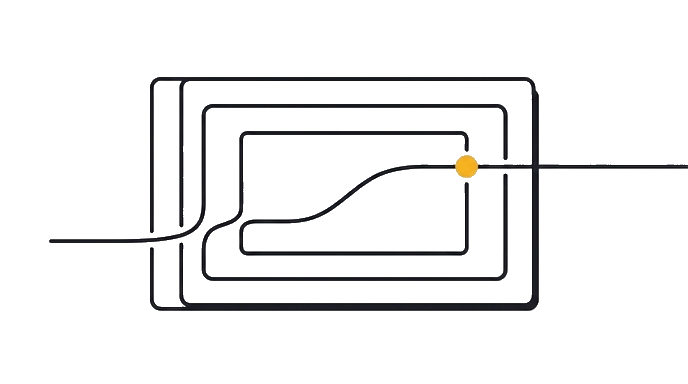
Instruction conflicts are usually placement problems. Codex reads guidance in layers. A global preference, a repo rule, a folder-specific rule, and a task prompt should not all try to own the same decision.

- GoalAfter this, you'll be able to decide whether a rule belongs in global guidance,
- InputsGlobal guidance is personal and cross-repo
- Layer instructions withoutStable personal preferences go to global guidance
- ReviewRepo commands and boundaries go to project guidance
- ProofSort a mixed rule list into global, project, folder, config, prompt, and discard
Here is the before and after: before, Codex is guessing from a loose request. After, you can decide whether a rule belongs in global guidance, project AGENTS.md, a deeper folder instruction, config, or the current prompt.
Now try it use the exercise prompt on one real repo task. Keep the output small enough to check before you accept the change.
You are ready when the Codex action, boundary, and proof all match the task.
Try it (12 min)
Watch out for
- Putting task scope into global guidance.
- Putting personal style rules into a shared repo file.
- Keeping old config notes because they once mattered.
- Adding duplicate rules in multiple places.
Paste this into Claude
Sort these rules into Codex instruction layers:

Rules:
- [paste 8-12 rules, commands, preferences, task constraints, and warnings]

Buckets:
1. Global guidance
2. Project AGENTS.md
3. Folder-specific guidance
4. Config
5. Current prompt
6. Do not keep

For each rule, give one reason and name any conflict you see.
What a good response looks like
Project AGENTS.md: run npm run build before final because it applies to the repo. Current prompt: only edit the profile route because that scope belongs to this task. Do not keep: old yarn command because the repo uses npm now.
What good looks like
- Stable personal preferences go to global guidance
- Repo commands and boundaries go to project guidance
- One-off task scope goes to the prompt
- Conflicting rules are identified before Codex runs
When this breaks
- Breaks when a stale lower-level rule contradicts the current prompt.
- Breaks when global rules include project-specific commands that fail in other repos.
AI can help with this
Use Codex to help you you can decide whether a rule belongs in global guidance, project AGENTS.md, a deeper folder instruction, config, or the current prompt. Start with the exercise prompt and your real input. Ask for one draft, then check it against this proof: Stable personal preferences go to global guidance. Accept only the version you can verify yourself.
You can now
You can name each instruction layer
- You can place stable rules where they belong
- You can spot duplicate or stale guidance
- You can keep the current prompt task-specific
Key takeaways
Good Codex guidance is layered. Put rules where they apply, and remove rules that no longer earn their place.
- Global guidance is personal and cross-repo.
- AGENTS.md is repo-wide.
- Folder guidance is for local exceptions.
- The prompt owns the current task.