Projects in 10 minutes: setup, instructions, and first conversation
Your standing context, set once, applied to every chat inside
After this, you'll be able to create a Project, write a first set of Instructions, and start a conversation inside it, so Claude has your context before you type a single task.
Before you start
Complete Why Claude keeps forgetting you (and how to fix it) first; this lesson builds on the repetition pattern you spotted there and turns it into a working Project.
The idea
A Project is a persistent workspace that holds your standing context, and setting one up takes 10 minutes. Think of it as a labeled room: every chat you start inside it already carries the role, preferences, and rules you set up once in a box called Instructions.
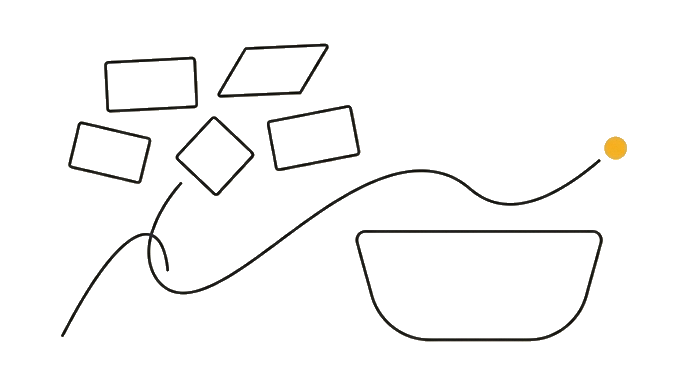
Projects are free (free accounts get up to five, with Instructions and Knowledge Files included; Pro removes the cap). To set one up, find Projects in the left sidebar, create one, write a few plain sentences in the Instructions box, and save. Then start your chat from inside the Project, because a chat opened anywhere else gets none of its context.
Here is the before and after: Before, a design-studio owner types "write a polite reminder, invoice 14 days overdue," then spends three lines re-explaining her two-person studio, her warm-but-firm tone, and her no-late-fees rule. After, those three facts live in a "Client Comms" Project, so she types only the one-line request and nothing is forgotten.
Now try it: create one Project, write three plain sentences about who you are and how Claude should respond, save, then open a chat from inside it and ask for something.
A Project is context you set once so every chat inside it starts knowing who you are.
Try it (10 min)
Watch out for
- Starting your chat from the main screen instead of from inside the Project; a chat outside the Project gets none of its Instructions
- Assuming sharing works on any plan; on a free or Pro account a Project is just yours, while Team and Enterprise plans add Can use and Can edit sharing
- Writing Instructions as a wish list ('I would love it if you...') instead of direct commands Claude follows
- Stuffing one job's details into Instructions; anything that changes per task belongs in the message, not the Project
- Forgetting to click save on the Instructions box, then wondering why the next chat ignores them
Paste this into Claude
I just created my first Project in Claude and I want help writing its Instructions. The Project is for: [describe what you will use it for, e.g. "weekly emails for my consulting clients" or "research notes for a book I'm writing"].

Here is what stays the same across everything I do in this area:
- Who I am / my role: [fill in]
- My audience or who the work is for: [fill in]
- The tone or style I always want: [fill in]
- Any hard rules (things you should always or never do): [fill in]

Please write a short, plain-English set of Project Instructions I can paste into the Instructions box. Keep it under 120 words, write it as direct commands to you (not as a description of my preferences), and do not include anything that changes from task to task.
What good looks like
- Claude returned Instructions under 120 words written as direct commands
- The Instructions contain your role, your audience, your tone, and at least one hard rule
- Nothing task-specific (a single deadline, one client name for one job) snuck into the Instructions
- You pasted the Instructions into a real Project and saved them
- You started a chat from inside the Project and Claude responded with your context applied
When this breaks
- Breaks when you start conversations outside the Project, because Instructions only apply to chats opened from within that Project, not to your general chat history.
- Breaks when you expect a free or Pro Project to be a team workspace, because sharing lives on Team and Enterprise plans; on those a teammate gets Can use or Can edit access, but on free and Pro the Project stays yours alone.
AI can help with this
After you create a Project, paste this into a chat inside it: 'Help me write Project Instructions for [what this Project is for]. My role is [X], my audience is [Y], my tone is [Z], and a rule you should always follow is [W]. Write it under 120 words as direct commands.'
You can now
You can complete the lesson outcome in a real Claude chat, Project, Artifact, Connector, Desktop, or Code surface.
- You can verify that claude returned Instructions under 120 words written as direct commands.
- You can verify that the Instructions contain your role, your audience, your tone, and at least one hard rule.
- You can verify that nothing task-specific (a single deadline, one client name for one job) snuck into the Instructions.
- You pasted the Instructions into a real Project and saved them.
Key takeaways
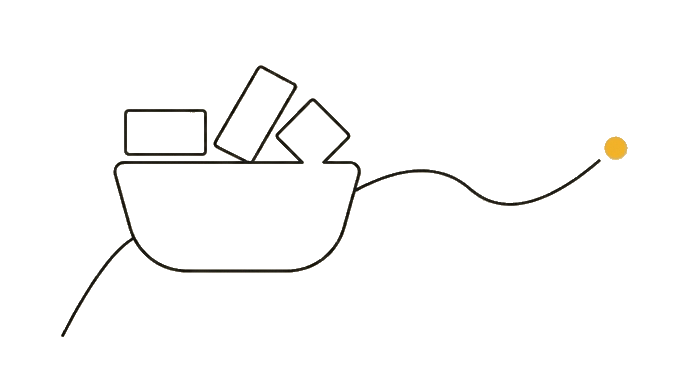
A Project is a workspace that holds your standing context. Set Instructions once, always start chats from inside the Project, and every conversation begins with Claude already knowing who you are.
- Create a Project from the left sidebar, name it clearly, and write Instructions in plain sentences.
- Always open conversations from inside the Project; chats started elsewhere ignore its context.
- Write Instructions as direct commands, not as a soft description of what you would prefer.
- Keep task-specific details out of Instructions; only context that never changes belongs there.
- Know that sharing a Project is a Team and Enterprise feature; on free and Pro the Project is yours alone.
Go deeper