Part of the Level 2 core path · Lesson 4 of 7
Graduate to Chat
After this, you'll be able to identify when tab-complete is the wrong tool for your task and make the switch to chat for multi-file or decision-requiring work.
Before you start
Complete Pre-Load the Context first; this lesson builds on context management so you recognize the moment when pre-loading files is no longer enough and chat is the right next step.
The idea
Tab-complete is a fast typist. It is not a thinking partner. Knowing when to stop tabbing and start talking is one of the most useful habits you can build at Level 2.
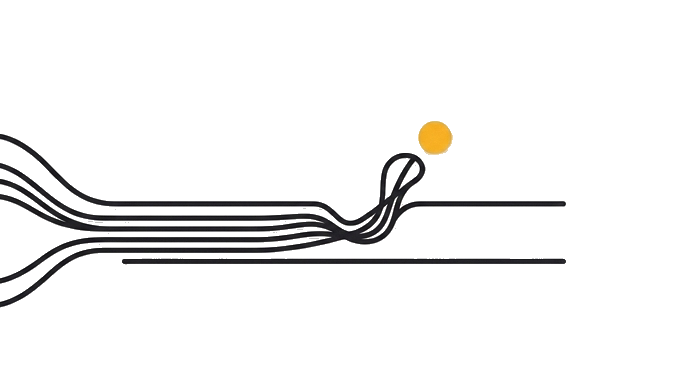
The signals that tab is the wrong tool are clear once you know them. You are changing the same logic in three or more files. Tab-complete has no awareness of file B and file C when you are in file A. Each completion is independent. The errors that come from inconsistent multi-file changes are subtle and expensive. Another signal: you are about to write something you are not sure about architecturally. Tab-complete will produce confident code regardless of whether the design decision is sound. A two-sentence question to chat will surface the tradeoff in 30 seconds.
The switch is not complicated. Open a chat window in your editor (Cursor has one built in; Claude Code operates as a chat from the start). Describe what you are trying to do across files. Ask for a plan before any code is written. That single habit, asking for the plan before the implementation, is the move that starts compounding. It is also the clearest signal that you are crossing into Level 3.
Try it (20 min)
Watch out for
- Using tab-complete for a change you are not confident about architecturally. Confident wrong code is worse than a question.
- Treating chat as a last resort when tab fails. Chat is the right first tool for any change that spans more than one file.
- Expecting chat to remember last session's context. Like tab-complete, each chat session resets. Bring the relevant files into context explicitly.
- Switching to chat and then reverting to tab mid-task. Pick the tool for the task and stay with it until the task is done.
- Skipping the plan step. Ask for the plan before asking for the code. It takes 30 seconds and prevents the most common multi-file mistakes.
Paste this into Claude
I have a change that touches more than one file: [describe what you are trying to do, e.g. 'I need to add a new field to my User type, update the form that collects it, and update the API endpoint that saves it']. I want to practice the switch from tab-complete to chat. Help me: (1) Identify every file that will need to change and why. (2) Write the changes in order, starting with the type definition so everything downstream stays consistent. (3) After each file change, tell me what to check before moving to the next one. I want to do this as a guided chat, not a series of independent completions.
What a good response looks like
Here is the plan for adding an `emailVerified` boolean field to your User type across the codebase:

File 1: `src/types/user.ts`. Add `emailVerified: boolean` to the `User` interface. Do this first, before touching anything else, so TypeScript surfaces every downstream gap immediately.

File 2: `src/db/schema.ts`. Add `email_verified BOOLEAN NOT NULL DEFAULT false` to the users table schema. Run the migration before touching the API layer.

File 3: `src/api/users.ts`. Update the `createUser` handler to set `emailVerified: false` on registration. Update the `updateUser` handler to allow setting it to `true` after verification.

File 4: `src/components/UserProfile.tsx`. Add the verified badge to the profile display, conditional on `user.emailVerified`.

File 5: `src/api/users.test.ts`. Update the test fixtures to include `emailVerified` and add one test for the verification update path.

Make changes in this order exactly. After File 1, TypeScript will show you every call site that needs updating. Use those errors as your checklist. Do not move to File 5 until the app compiles cleanly.
What good looks like
- You completed a multi-file change through chat that you would previously have done with separate tab-complete sessions
- You made changes in the correct dependency order (types first, then implementations, then call sites)
- You did not have a type error in file B because you had already updated the type in file A before moving on
- You can name the two signals that tell you tab-complete is the wrong tool for a task
- You installed or opened the chat interface in your editor (Cursor, Claude Code, or equivalent) and used it for a real task
When this breaks
- Breaks when you treat tab as the default for every task, because multi-file or architectural work has no fast path through independent completions and the inconsistencies compound silently.
- Breaks when you ask chat for code before asking it for a plan, because skipping the plan step removes the cheapest moment to catch a misunderstanding before any file is touched.
AI can help with this
Open Claude Code or the chat panel in Cursor, describe your multi-file change, and say: 'Give me a plan before any code. List every file that needs to change and in what order, so nothing downstream breaks.' That plan step is the one habit that separates Level 2 from Level 3.
You can now
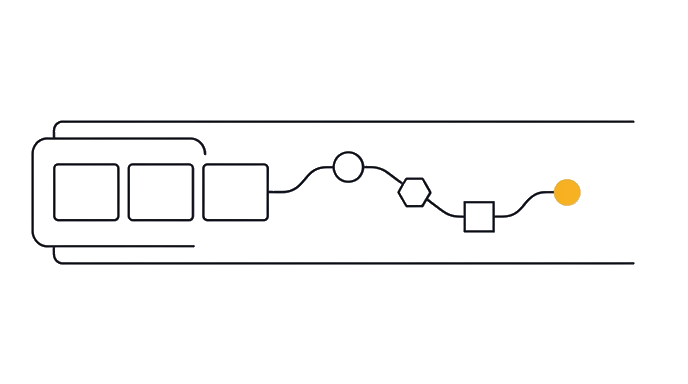
Complete a multi-file change through chat with a written plan first, in the correct dependency order, and demonstrate that no downstream type error appeared because every upstream change went in before its consumers.
Key takeaways
When the change touches more than one file, stop tabbing and start talking. Chat is not a step up in complexity. It is the right tool for coordination.
- Tab is a typist, chat is a coordinator; pick the tool that matches the task shape
- Three or more files touched is the signal to switch from tab to chat
- Ask for the plan before the code; that single move is what starts Level 3 compounding
- Chat sessions reset like tab does; bring the relevant files into context explicitly each time