What an AI agent actually is (and what you'll build here)
After this, you'll be able to explain the chatbot-vs-agent distinction in one sentence, name the three-step loop every agent runs, and describe the arc this track takes you through from first agent to autonomous teams.
Before you start
None required. This is the entry point for the Build AI Agents track. If you have never used Claude or any AI chatbot before, start with Your First Useful Output first.
The idea
A chatbot answers your questions. An agent goes and does things. That single difference is the entire foundation of this track.
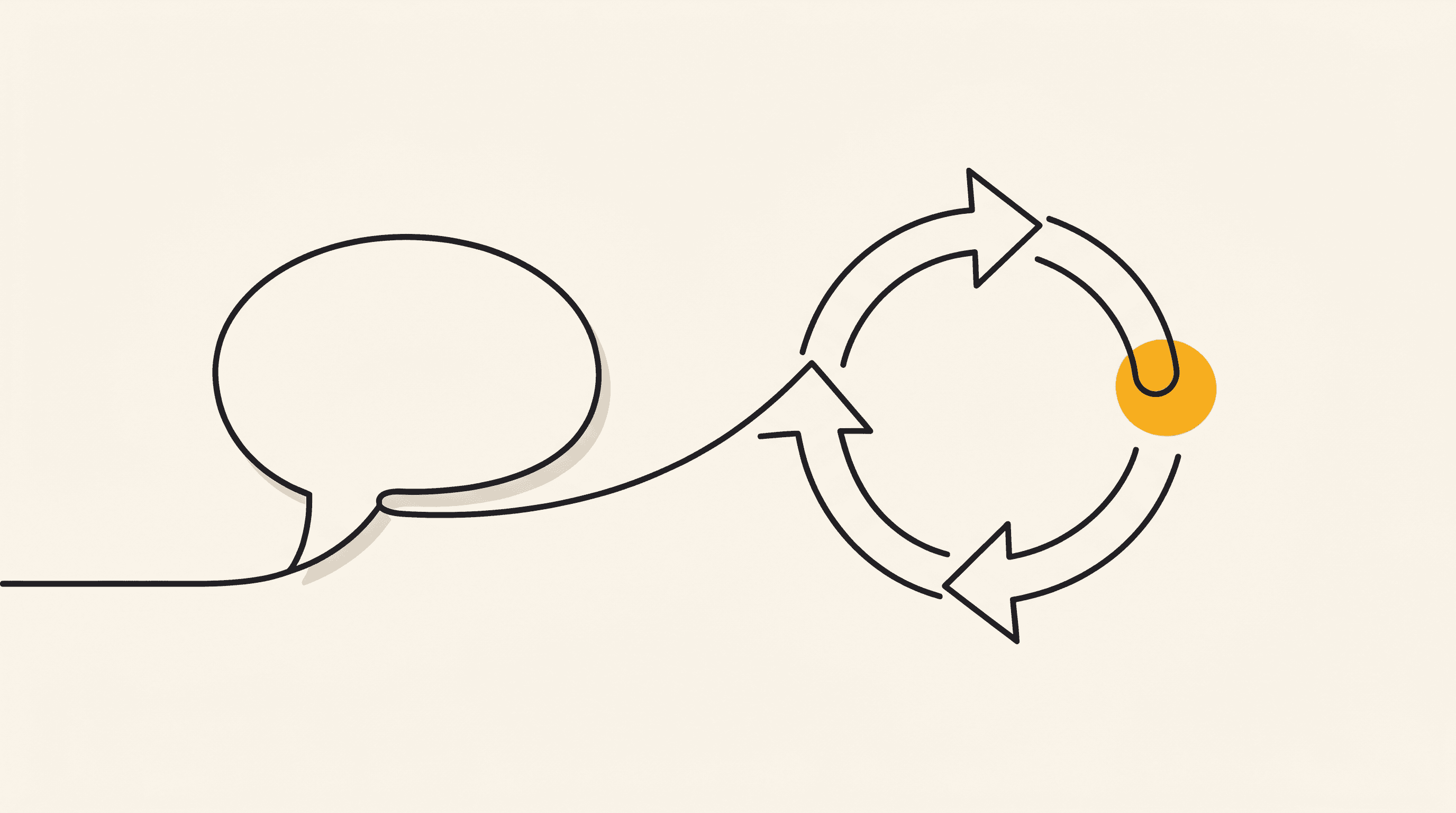
When you type a question into Claude or ChatGPT and get a reply, that is a chatbot (a system that takes your text, thinks about it, then sends text back). It reads, it responds, it waits for your next message.
An agent does something more. It perceives information from the world (an inbox, a spreadsheet, a calendar), decides what to do about it (summarize, flag, reschedule), and acts on that decision (sends the email, updates the row, moves the meeting). That perceive, decide, act loop is what makes it an agent instead of a chat window.
The loop can repeat: the agent checks the result of its action, decides if it worked, and acts again if it did not.
Why this matters to you: a chatbot needs you in the chair, typing each question. An agent can do a whole job while you are away.
It reads your morning inbox, drafts three replies, and has them waiting when you sit down. It monitors a project tracker and pings you only when a deadline slips. It does the work, not the conversation about the work.
Here is what this track builds, rung by rung:
Free (this funnel): 1. Give it one job. Build a single agent that does one real task end to end. 2. Give it tools. Let it read your email, check your calendar, and search the web so it acts on your real information, not only your words.
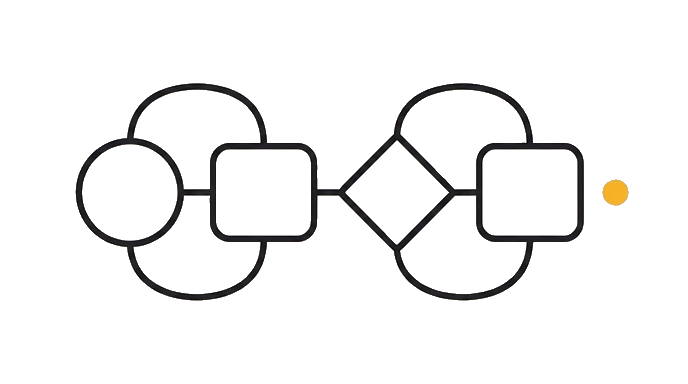
Premium (what opens next): 3. Memory. The agent remembers what you told it last week instead of starting cold every session. 4. Connect your tools (MCP). MCP (Model Context Protocol) is the standard way to plug services like Gmail, Notion, and Slack directly into an agent. 5. Skills. Saved instructions the agent can call by name, so you build a workflow once and reuse it. 6. Agent teams. Multiple specialists that hand work to each other (a research agent feeds a writing agent feeds a review agent).
For the deep take on what makes something "agentic" and how AI sessions become agentic workflows, two existing lessons cover the concept in full: What an agent actually is in the Google Antigravity track, and Thinking in Agentic Sessions in the core path. This lesson is the front door, not the full explanation. Its job is to show you what you will build here, not re-teach the theory those lessons already cover.
Try it (5 min)
Watch out for
- Confusing 'agent' with 'chatbot that sounds confident.' If it cannot take an action (send an email, update a file, check a calendar), it is still a chatbot, no matter how smart its answers sound.
- Thinking agents need to be fully autonomous from day one. Your first agent will need your approval before it acts. That is the safe starting point, not a limitation.
- Skipping the personal-task exercise. The next lesson has you build an agent for a real job. If you do not pick that job now, you will spend the first ten minutes of the next lesson choosing one.
- Assuming every AI tool can do every agent step. Some tools are better at certain actions than others. The track names which tool does which step as you go.
Paste this into Claude
Open Claude (any surface: claude.ai, the desktop app, or Google Antigravity) and paste this prompt:

"Explain the difference between a chatbot and an AI agent in one paragraph. Use a concrete, everyday example (like managing an inbox or tracking a project). Keep it under 100 words."

Read the response. Then ask a follow-up:

"Now describe the perceive-decide-act loop using that same example. Label each step."

Compare what you get to the definition in this lesson. Does the example fit? Does each step in the loop make sense? If anything feels off, ask Claude to try a different example until one clicks.
What a good response looks like
A chatbot waits for your question and answers it. An agent checks your inbox every morning (perceive), decides which emails need replies and which can wait (decide), then drafts those replies and queues them for your review (act). The difference: you never had to ask. It did the job on its own.

Perceive: the agent reads the 12 unread emails in your inbox.
Decide: it flags 3 as urgent, marks 7 as low-priority, and identifies 2 that need a drafted reply.
Act: it writes the two reply drafts and moves the low-priority emails to a "later" folder.
What good looks like
- You can explain chatbot vs agent in one sentence without looking at the lesson
- You can name the three steps of the agent loop (perceive, decide, act) and give a real example for each
- You tried at least one follow-up question to pressure-test the definition
Go deeper (6 min)
Paste this into Claude
Think about one task you do every week that follows a pattern: you check something, make a decision about it, then do something based on that decision. Examples: reviewing a report and flagging issues, scanning job listings and saving good ones, checking your calendar and rescheduling conflicts.

Open Claude and paste this:

"I have a weekly task I want to turn into an agent workflow. The task is: [describe your task in 1-2 sentences]. Break it down into the perceive-decide-act loop. For each step, name exactly what the agent would read, what decision it would make, and what action it would take. Then tell me which step would be hardest to automate today and why."

This is the seed for the agent you will actually build in the next lesson.
What good looks like
- You picked a real task from your own week, not a hypothetical
- Claude broke it into perceive, decide, and act steps that make sense for your task
- You can identify which step is hardest to automate and have a rough sense of why
When this breaks
- Breaks when you define 'agent' as 'anything with AI in it.' An autocomplete suggestion is AI. It is not an agent. The perceive-decide-act loop is the test. No loop, no agent.
- Breaks when you try to build the agent in this lesson instead of the next one. This lesson is the map. The next lesson is the first step on the trail.
- Breaks when you skip the cross-link lessons. ga-m3-01 and l3-agentic-sessions carry the full concept with worked examples and deeper theory. Pair them with this lesson for the complete picture.
AI can help with this
Ask Claude: 'Break down my weekly [task name] into the perceive-decide-act loop and tell me which parts you could handle today.' Claude maps the loop for you and names the gaps honestly. You do not need to know agent architecture to get a useful answer.
You can now
You can explain the chatbot-vs-agent distinction in one sentence
- You can name the three steps of the agent loop and map them to a real example
- You picked a personal weekly task you want to turn into an agent workflow
- You know where to go for the deep concept (ga-m3-01 and l3-agentic-sessions)
Key takeaways
A chatbot answers. An agent perceives, decides, and acts. That loop is the foundation of everything this track builds.
- A chatbot takes your question and gives an answer. An agent takes a situation, makes a decision, and does something about it without waiting for you to ask.
- Every agent runs the same three-step loop: perceive (read information), decide (choose what to do), act (do it). The loop can repeat until the job is done.
- This track builds from a single-task agent (free) through tools, memory, and skills, up to multi-agent teams (premium). The free funnel covers the first two rungs.
- ga-m3-01 and l3-agentic-sessions go deeper on what makes something agentic, with worked examples. Pair them with this track for the full picture.
Go deeper