When your agent should call a tool
After this, you'll be able to tell the difference between work the model can do from context and work that requires a tool, then write a decision rule your agent can follow before it acts.
Before you start
Complete Your agent, one job end to end first. You need a working agent and a real output before tool-call rules matter.
The idea
A tool call is not a button you press. It is a decision your agent makes when the job needs information or action outside the conversation. If that decision rule is fuzzy, the agent either guesses from memory or calls tools for everything.
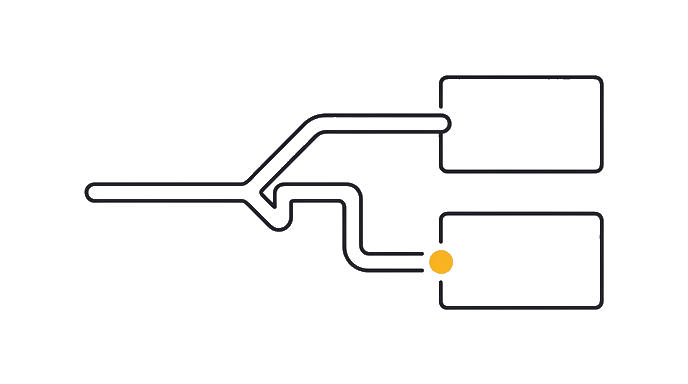
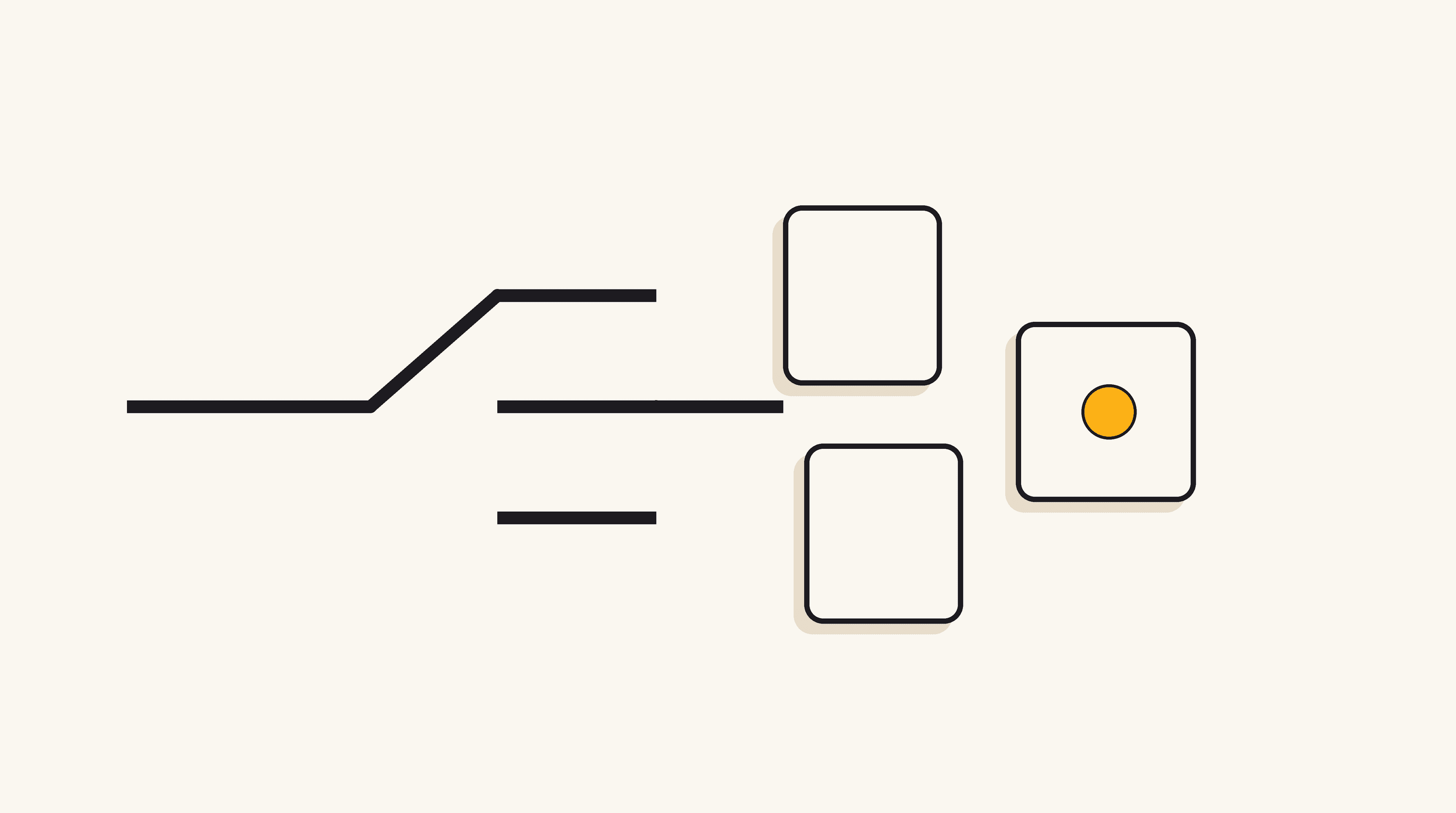
The earlier tools lesson showed that tools give an agent reach. This lesson goes one step deeper: it teaches the call gate, the moment where the agent decides whether a tool is needed at all.
- "Request arrives"The job or question the agent receives
- "Context enough?"Can it finish from what it already sees?
- "Answer from context"No tool needed when the context is complete
- "Name the gap"What fact or action is missing?
- "Call smallest tool"Use the narrowest tool that closes that gap
- "Write action?"Will this change another system?
- "Ask for approval"State the action and wait for yes
- "Use result"Use the tool result to finish the job
The gate has one plain question: "Can I complete this from the context I already have?" If yes, the agent should answer or produce the output. If no, it should call the smallest tool that can get the missing fact or take the missing action.
For an email digest agent, "rewrite this draft in my voice" may not need a tool if the draft and voice rules are already in the Project. "Check whether this meeting conflicts with my calendar" does need a calendar tool because the answer lives outside the chat.
The safest agents say why they called the tool. They do not need a long explanation. One sentence is enough: "I am checking the calendar because the email asks to move a meeting." That sentence gives you a review point before the agent takes a real action.
A written pause is still an instruction, not a platform lock. Keep the tool's own confirmation step on risky actions until the workflow proves itself.
The three call reasons are simple. Call a tool to retrieve missing information, verify a claim against a source, or act in another system. If the next step is only writing, sorting, or summarizing what is already visible, no tool is needed.
Not every gap deserves a tool call. If the missing fact would be nice but not required, the agent can state the assumption and keep moving. If the missing fact changes the answer, the agent should stop guessing and call the tool.
Here is the before and after: Before, your agent sees "move Thursday's check-in" and guesses you are free. After, it checks the calendar first, sees a conflict, and drafts a reply with two open times instead of inventing one.
A good tool-using agent is not the agent that calls the most tools. It is the one that knows the smallest tool call that closes the missing gap.
Try it (12 min)
Watch out for
- Treating every tool call as progress. A tool call that was not needed adds cost, delay, and another place for the agent to misread something.
- Letting the agent guess when the answer lives in another system. If the calendar, inbox, tracker, or web source holds the answer, the agent should use the tool or say it cannot verify.
- Forgetting the write-action pause. Reading from a tool and changing another system are different risk levels. Write actions need approval until you trust the pattern.
- Treating the written pause as enforcement. It is an instruction the agent follows, so the tool's own confirmation step still matters for risky actions.
- Using this lesson as an MCP setup guide. It is not. The hands-on wiring still lives at l7-01.
Paste this into Claude
Open the agent Project you built earlier. Add this section to the Project instructions:

TOOL CALL RULE
Before you answer, ask: "Can I finish this from the context I already have?"

- If yes: do the work without calling a tool.
- If no: name the missing information or action, then call the smallest available tool that can close the gap.
- Call tools for only three reasons: retrieve missing information, verify a claim, or act in another system.
- Before any write action, state the action and ask for approval.

Now test the rule with three requests:
1. One request that should NOT need a tool.
2. One request that needs a retrieval tool.
3. One request that would take a write action and should pause for approval.

After each response, ask: "Which part of the tool call rule did you use?"
What a good response looks like
Tool call decision:

Request: "Turn these notes into a 5-bullet recap."
Decision: No tool needed. The notes are already in the conversation.

Request: "Check whether this deadline conflicts with my calendar."
Decision: Calendar tool needed. The calendar state is missing from the conversation.

Request: "Move the meeting to Friday at 2."
Decision: Write action needed. I should state the change and ask for approval before updating the calendar.
What good looks like
- You added a clear tool-call rule to your agent instructions
- You tested one no-tool request, one retrieval request, and one write-action request
- The agent can explain why it called a tool or why it stayed inside the conversation
- The agent pauses before any write action instead of acting silently
Go deeper (8 min)
Paste this into Claude
Give Claude this audit prompt:

"Review my agent instructions and find every place where the agent might guess instead of calling a tool. For each risk, write a tighter decision rule in this format:

IF the agent needs [missing information or action],
THEN it should call [specific tool],
BECAUSE [why the tool is required].

Also name any place where the agent should NOT call a tool because the context is already enough."

Apply the two best rules to your Project instructions and run one more test.
What good looks like
- Claude found at least two places where the agent might guess
- Each fix uses an IF/THEN/BECAUSE tool-call rule
- You added the two strongest rules to the Project instructions
- Your next test shows fewer guesses or unnecessary tool calls
When this breaks
- Breaks when the instructions say 'use tools when helpful.' Helpful is too vague. Name the condition that triggers the tool call.
- Breaks when the agent uses a broad tool before a narrow one. If a calendar check answers the question, it should not search the whole web.
- Breaks when you remove the explanation line. You need to see why the agent reached outside the conversation before you can debug the choice.
AI can help with this
Ask Claude: 'For this agent job, write a tool-call rule that says when to answer from context, when to retrieve information, when to verify, and when to pause before a write action.' Claude gives you the rule. You test it against real requests.
You can now
You can tell when context is enough and when a tool is required
- Your agent has a written tool-call rule, not a vague permission
- You tested retrieval, verification, and write-action cases
- The agent explains why it reached for a tool before acting
Key takeaways
A tool call should close a specific missing gap. The agent asks whether context is enough, then calls the smallest tool that retrieves, verifies, or acts.
- The call gate is the moment your agent decides whether it can finish from context or needs a tool.
- Tools are called for three reasons: retrieve missing information, verify a claim, or act in another system.
- The safest agents explain the tool call in one sentence before they take a real action.
- l7-01 owns MCP setup. This lesson teaches the decision rule that makes any connected tool worth having.