Write the tool contract before you connect anything
After this, you'll be able to write a tool contract: the plain-language boundary that names what a tool can read, what it can change, when approval is required, and what counts as a safe result.
Before you start
Complete When your agent should call a tool first. The contract comes after you know when the agent should reach for a tool.
The idea
A connected tool is a doorway into your real work. A tool contract says what can pass through that doorway before the agent ever touches it. Without that contract, you are trusting vibes instead of rules.
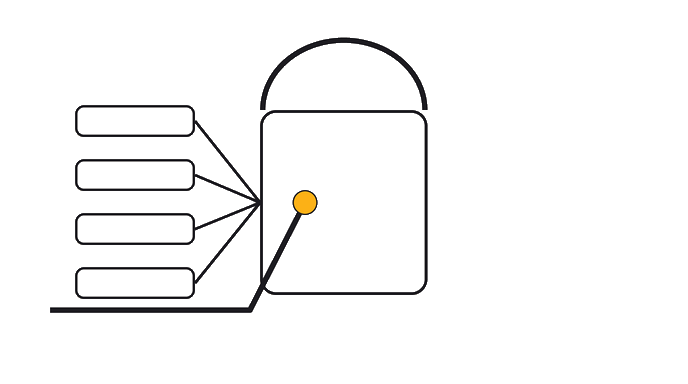
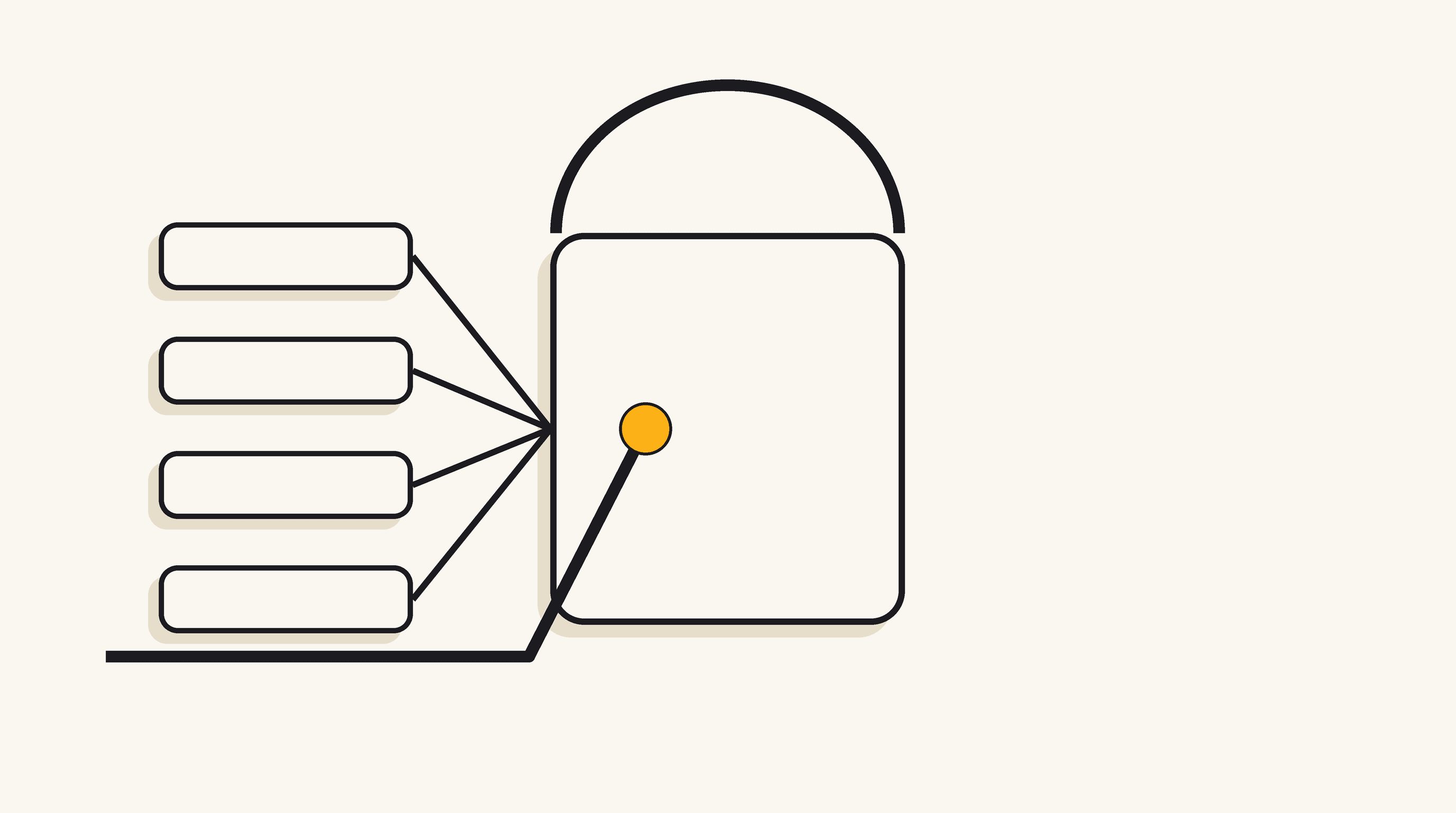
A tool contract is not code. It is a short operating rule in your agent instructions. It names the tool, what it may read, what it may change, when it must ask first, and what proof it must show after acting.
| Contract part | What it controls | |
|---|---|---|
| Read scope | What the agent may inspect | — |
| Write scope | What the agent may change | — |
| Approval rule | What requires your yes | — |
| Proof rule | What evidence it must show | — |
If one line is vague, the agent will eventually test that gap.
The contract has four lines. Read scope: what the tool can look at. Write scope: what the tool can change. Approval rule: what action requires your yes. Proof rule: what the agent must show you after it acts.
For a calendar tool, the read scope might be "today through the next 14 days." The write scope might be "draft calendar changes only." The approval rule is "never move or cancel a meeting without asking." The proof rule is "show the old time, new time, and attendee list before I approve."
This keeps the agent useful without making it reckless. A no-tool agent makes you do the transfer work by hand. An unbounded tool agent can move too fast. A contracted tool agent can read what it needs, propose the action, and wait at the right moments.
Think in verbs, not apps. A calendar connector may expose read events, create event, update event, and delete event. Your first version may allow read events and draft updates, while create, update, and delete stay outside the contract until you have proof the agent behaves.
Setup shows what the tool can do. The contract decides which of those actions your agent is allowed to use for this job.
Contracts also make failure easier to diagnose. If the agent reads the wrong folder, the read scope was vague. If it changes a row without asking, the approval rule was missing. If it says "done" but shows no evidence, the proof rule was weak.
Here is the before and after: Before, an agent gets a calendar connector and you hope it behaves. After, the agent can read the calendar, propose a change, and show the exact change for approval before anything moves.
Connect tools only after the contract is clear. The contract is what turns tool access from a gamble into a supervised system.
Try it (12 min)
Watch out for
- Writing 'read my calendar' instead of naming the date range. Broad access makes it harder to spot wrong behavior.
- Letting write scope hide inside read scope. Reading an inbox and sending an email are different actions with different risk.
- Skipping the proof rule. If the agent cannot show what it changed or why, you cannot review the action.
- Assuming the contract enforces itself. It is an instruction boundary, so keep product confirmations on risky writes until the workflow is tested.
- Turning the contract into a legal document. The best contract is short enough that the agent will actually follow it.
Paste this into Claude
Write a tool contract for one tool your agent should eventually use.

Use this format:

TOOL NAME: [e.g. Google Calendar, Gmail, Notion, Google Sheets]
JOB IT SUPPORTS: [the agent job this tool helps with]

READ SCOPE:
The agent may read [specific data, folder, date range, channel, sheet, or project].

WRITE SCOPE:
The agent may change [nothing / drafts only / specific fields / specific labels].

APPROVAL RULE:
The agent must ask before [any action that changes, sends, deletes, posts, moves, or invites].

PROOF RULE:
After using the tool, the agent must show [the evidence you need: source, old value, new value, count, timestamp].

Now paste the contract into Claude and ask:
"Review this tool contract. Find any vague scope, missing approval rule, or weak proof rule. Rewrite it so a cautious agent could follow it."
What a good response looks like
TOOL NAME: Google Calendar
JOB IT SUPPORTS: Weekly email digest agent checks scheduling conflicts.

READ SCOPE:
The agent may read my calendar from today through the next 14 days.

WRITE SCOPE:
The agent may draft proposed calendar changes in the chat. It may not edit calendar events directly.

APPROVAL RULE:
The agent must ask before moving, canceling, creating, or inviting anyone to an event.

PROOF RULE:
For any proposed change, show the original event title, original time, proposed time, attendee list, and the email that caused the suggestion.
What good looks like
- Your contract names one tool and one job it supports
- The read scope is specific enough to prevent broad browsing
- The write scope distinguishes draft, propose, and change
- The approval rule covers any action that sends, deletes, posts, moves, or invites
- The proof rule says exactly what evidence the agent must show
Go deeper (8 min)
Paste this into Claude
Stress-test the contract with this prompt:

"Act as a cautious agent reviewer. Try to misuse this tool contract in 5 realistic ways. For each misuse, say whether the contract blocks it. If it does not block it, write the missing sentence I should add."

Add any missing sentence that prevents a real misuse. Keep the contract under 140 words when you are done.
What good looks like
- Claude found realistic misuse cases, not fantasy edge cases
- You added at least one missing boundary if the contract had a gap
- The final contract still fits in your Project instructions without becoming a wall of text
When this breaks
- Breaks when approval rules only cover obvious actions like delete. Sending, posting, moving, inviting, and editing also need approval until the workflow is proven.
- Breaks when the contract names an app but not a tool capability. Gmail is an app. Reading unread emails and creating draft replies are capabilities.
- Breaks when the contract is not tied to a job. A generic tool contract becomes too broad. Each tool should serve a named agent job.
AI can help with this
Ask Claude: 'Write a cautious tool contract for my [agent job] using [tool name]. Include read scope, write scope, approval rule, and proof rule. Keep it under 140 words.' Claude drafts the boundary before you connect anything.
You can now
You can write a four-line tool contract for one connected tool
- You separated read scope from write scope
- You added approval rules for risky actions
- You added a proof rule so the agent has to show its work
Key takeaways
A tool contract is the safety layer between agent intent and real action. It names read scope, write scope, approval, and proof before the tool is connected.
- A tool contract is plain language inside your agent instructions, not code.
- Every contract needs four parts: read scope, write scope, approval rule, and proof rule.
- Contracts make tool failures easier to debug because each bad action points to a missing or vague rule.
- The hands-on connector setup still lives at l7-01. This lesson prepares the boundary before setup.