Set up a creative Project so Claude remembers your world
After this, you'll be able to create a Claude Project for your creative work, fill it with the few things Claude needs to know about you, and explain why that one setup makes every future answer more on-brand.
Before you start
Complete What creative work with Claude really means first; once you know what to bring Claude, this lesson gives it a permanent home so you stop re-explaining yourself.
The idea
You know that small sigh when you have to explain your whole brand to Claude for the hundredth time? A Project ends it for good. A Project is a folder inside Claude that holds its own chats, its own files, and its own standing instructions, so Claude starts every conversation already knowing your world. You explain who you are once, and it remembers, across every chat inside that Project.
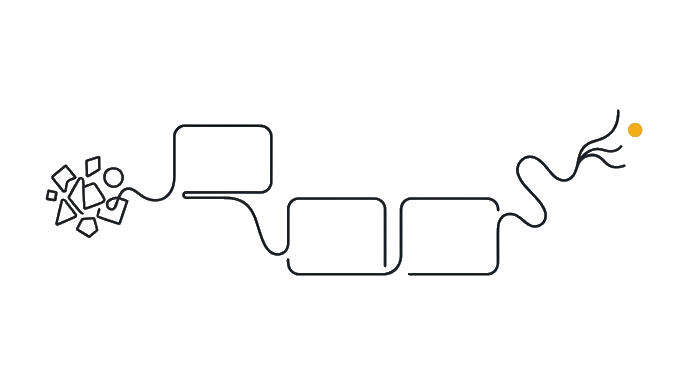
Here is what a Project actually is. It is a self-contained workspace (a named area with its own memory). You give it two kinds of context: project knowledge (files and notes you upload, like your brand notes or past work) and project instructions (a standing brief, like "you are my brand's copywriter; keep our voice warm and plain"). Claude reads both every time you open a chat in there.
Picture the difference: Without a Project, every creative chat starts cold. You paste "I run a calm, earthy skincare brand for tired parents, here is our voice" again and again, and half the time you forget a detail, so the answer drifts off-brand. With a Project, that context lives in the workspace, and Claude's first reply already sounds like you.
What to put in your creative Project is short. Who you are and what you make. Who you serve, in one or two sentences. How you want to sound (a few voice words, like "warm, plain, a little funny"). And two or three examples of work you are proud of, so Claude can feel your taste, not only read about it. That is enough to change every answer that follows.
One honest limit to know: on a free Claude account you can keep up to five Projects at a time. That is plenty for one brand or a couple of clients. If you run more, paid plans raise the ceiling, but you do not need that to start, and you can always tidy old Projects you are done with.
Why this is the first real move is simple. Every later lesson, brand voice, concepts, critique, briefs, gets better when Claude already knows your world. Setting up the Project once is the cheapest thing you can do to make everything after it sharper. It is the creative version of telling a new hire about the company before their first task.
Build the Project once, feed it who you are and how you sound, and every future chat starts on-brand instead of cold.
Try it (10 min)
Watch out for
- Skipping the Project and re-pasting your context into every chat. You will forget details and the answers will drift off-brand; the Project fixes that permanently.
- Filling the Project with everything you own. A few sharp examples of your real taste beat a pile of generic background Claude has to wade through.
- Writing instructions that describe your field instead of you. 'A skincare brand' gets generic output; 'a calm, earthy skincare brand for tired parents' gets yours.
- Forgetting the free-account limit of five Projects. Tidy old ones you have finished with rather than letting the workspace fill up.
Paste this into Claude
Help me plan what goes into a Claude Project for my creative work, before I build it. (A Project is a workspace inside Claude that remembers context across chats.)

My work: [DESCRIBE WHAT YOU MAKE OR DO, e.g. "I run a small ceramics studio and sell online"].
Who I serve: [WHO YOUR AUDIENCE IS].

Please:
1. Write me a short "project instructions" brief I can paste into the Project's instructions, telling you who I am, who I serve, and how I want to sound (give me 4 to 6 voice words to choose from).
2. List the 3 to 5 files or notes I should upload as "project knowledge" so you understand my taste, not the generic version of my field.
3. Tell me, in one line, what I should expect to be different about your answers once this Project is set up.
What a good response looks like
Here's your Project plan for the ceramics studio:

**1. Project instructions to paste:**
"You are the creative partner for Riverstone Ceramics, a one-person studio making hand-thrown mugs and bowls for people who want calm, useful objects in daily life. Our audience is home cooks and gift-buyers aged 30 to 55 who value craft over trends. Sound warm, grounded, plain, and a little wry. Never sound corporate or hypey. When you draft anything, match this voice and ask me before inventing facts about the studio."

**2. Knowledge to upload (3 to 5 items):**
- A page of notes on your story and what makes your pieces different.
- Five captions or product descriptions you have written and liked.
- Two you wrote and disliked, labeled "not this," so I learn your edges.
- A short list of words and phrases you love and ones you would never use.

**3. What changes:** my first drafts arrive already sounding like Riverstone, so you spend your time refining taste, not re-explaining who you are.
What good looks like
- You can explain what a Project is in one sentence (a workspace that remembers your context across chats)
- You have a short project-instructions brief written that names who you are, who you serve, and how you want to sound
- You have a short list of knowledge files or notes worth uploading so Claude feels your taste
- You can explain why setting this up once makes every later creative chat more on-brand
When this breaks
- Breaks when the Project holds only generic facts about your industry. Claude already knows the average; it needs your specific taste and examples to sound like you.
- Breaks when you never update it. As your voice sharpens, an out-of-date Project quietly pulls answers back toward who you used to be.
AI can help with this
Use a saved workspace that can hold context: Claude Projects, ChatGPT Projects, a Gemini Gem, Canva Brand Kit notes, or an approved team workspace. Add brand facts, examples, exclusions, and test the workspace with one new creative ask.
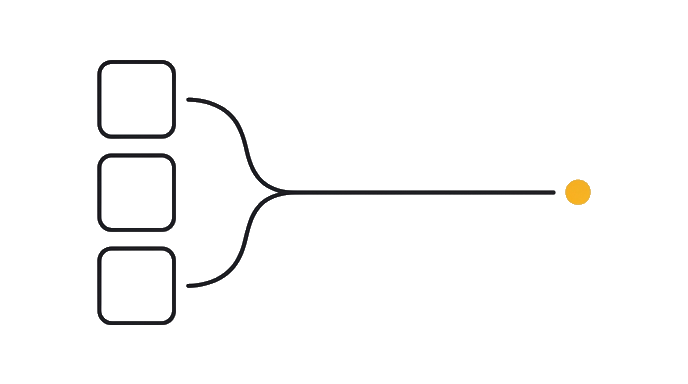
You can now
You can complete the lesson outcome against a real creative job, brand, asset, or campaign.
- You can explain what a Project is in one sentence (a workspace that remembers your context across chats).
- You have a short project-instructions brief written that names who you are, who you serve, and how you want to sound.
- You have a short list of knowledge files or notes worth uploading so the creative assistant feels your taste.
- You can explain why setting this up once makes every later creative chat more on-brand.
Key takeaways
A Project is a workspace where Claude remembers your brand world across every chat. Set it up once with who you are, who you serve, and how you sound, and every later creative answer starts on-brand.
- A Project is a self-contained workspace inside Claude with its own chats, files, and standing instructions.
- Project knowledge is the files you upload; project instructions are the standing brief Claude reads every chat.
- Fill it with who you are, who you serve, your voice words, and two or three examples of work you are proud of.
- Free accounts keep up to five Projects; that is enough for one brand or a couple of clients.
- Set it up once and every later lesson (voice, concepts, critique, briefs) starts sharper because Claude knows your world.
Go deeper