Knowledge files: what to upload and why
Documents Claude reads as permanent background, not one-time pastes
After this, you'll be able to decide which documents belong in a Project as Knowledge Files and upload them, so every conversation in the Project starts with that information already loaded.
Before you start
Complete Project Instructions: writing rules Claude actually follows first; this lesson builds on Instructions (how Claude behaves) by adding Knowledge Files (what Claude knows) as the second half of a Project.
The idea
Knowledge Files are documents Claude reads as permanent background for a Project. Instructions tell Claude how to behave; Knowledge Files tell it what to know. Upload a style guide or product spec once, and every chat in that Project starts with it loaded.
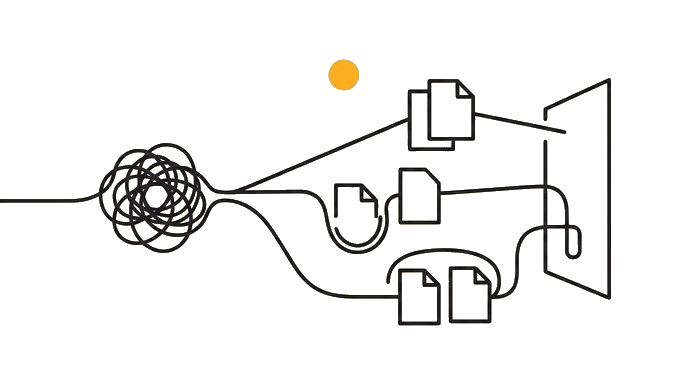
What makes a good one is stability and reuse: a brand guide, a pricing sheet, a master FAQ. The test is not "is this important?" but "will Claude need this across many future chats here?" One tier caveat: a few small files work fine on the free plan, but the smarter retrieval that searches a large library (Anthropic calls it enhanced project knowledge) only switches on for paid plans, so on free, keep the files few and focused or Claude may miss the right passage.
Here is the before and after: Before, a recruiter pastes the same job description and culture blurb into every screening chat, so twelve candidates means twenty-four pastes. After, both documents live as Knowledge Files in one Project, and she just types "draft outreach to a candidate with 6 years of agency experience."
Now try it: pick one document you have pasted into Claude more than once, upload it to a Project as a Knowledge File, then ask a question that depends on it without pasting the file.
Upload what you reuse across many chats; paste what you need only once.
Try it (12 min)
Watch out for
- Uploading a document for a single task; if you will not reference it again, paste it into that one message instead
- Treating Knowledge Files like cloud storage; they are background context for Claude, not a place to archive files
- Loading a large library into a free Project; the deeper retrieval that searches big knowledge bases is a paid feature, so on free keep the files few and focused
- Forgetting that an uploaded file applies only to chats inside this Project, not to your general chat history
- Confusing a Knowledge File (part of a Project) with Memory (a summary Claude builds across all conversations); they are separate systems
Paste this into Claude
I want to decide which documents to upload as Knowledge Files in a Project, and which to keep as one-time pastes. Here is the work I do in this Project: [describe it, e.g. "I write proposals for my marketing agency"].

Here are documents I have available:
[list them, e.g.:
- My agency's brand style guide
- A pricing sheet for my services
- One client's old contract from last year
- A blog post I wrote once
- My standard list of service descriptions]

For each document, tell me:
1. Whether it belongs as a permanent Knowledge File or a one-time paste, and why
2. If it is a Knowledge File, one sentence on how you would use it across future conversations
3. Anything I am missing that would make a strong Knowledge File for this kind of work
What good looks like
- Claude sorted each document into 'Knowledge File' or 'one-time paste' with a reason
- The Knowledge File picks are documents you genuinely reuse, not one-off material
- Claude explained how it would draw on each Knowledge File in future chats
- You uploaded at least one real document to a Project as a Knowledge File
- You opened a chat in that Project and confirmed Claude referenced the uploaded file without you pasting it
When this breaks
- Breaks when you upload one-off documents you never reuse, because the Project fills with background that adds noise instead of useful, repeatedly-referenced context.
- Breaks when a free Project holds a large knowledge base, because the deeper retrieval that searches a big library is a paid feature, so Claude may answer from the wrong passage or miss the file entirely.
AI can help with this
Paste this into a Project chat: 'Here are documents I have for this Project: [list them]. For each, tell me whether it should be a permanent Knowledge File or a one-time paste, and why. Then suggest any document I'm missing that would help across future conversations.'
You can now
You can complete the lesson outcome in a real Claude chat, Project, Artifact, Connector, Desktop, or Code surface.
- You can verify that claude sorted each document into 'Knowledge File' or 'one-time paste' with a reason.
- You can verify that the Knowledge File picks are documents you genuinely reuse, not one-off material.
- You can verify that claude explained how it would draw on each Knowledge File in future chats.
- You uploaded at least one real document to a Project as a Knowledge File.
Key takeaways
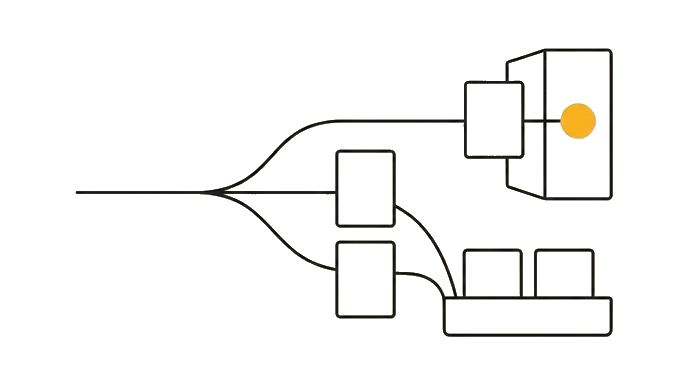
Knowledge Files are documents Claude reads as permanent background for a Project. Upload what you reference often and stays stable, and Claude draws on it in every conversation inside that Project.
- Upload documents you reuse across many conversations, like a style guide or a pricing sheet, as Knowledge Files.
- Keep one-off material out of Knowledge Files; paste it into the single message that needs it.
- On a free plan keep the library small and focused, since the deeper retrieval that searches a large knowledge base is a paid feature.
- Know that Knowledge Files are scoped to one Project and do not apply to chats outside it.
- Keep Knowledge Files (part of a Project) separate in your head from Memory (a summary across all conversations).
Go deeper