Pick the tool by proof
Canva, slides, docs, site, or code
After this, you'll be able to choose Canva, Google Slides, PowerPoint, Docs, Sites, Codex, or Claude Code based on the proof the asset needs.
Before you start
Complete Build the publishing packet.
The idea
The right publishing tool is the one that can prove the final asset.
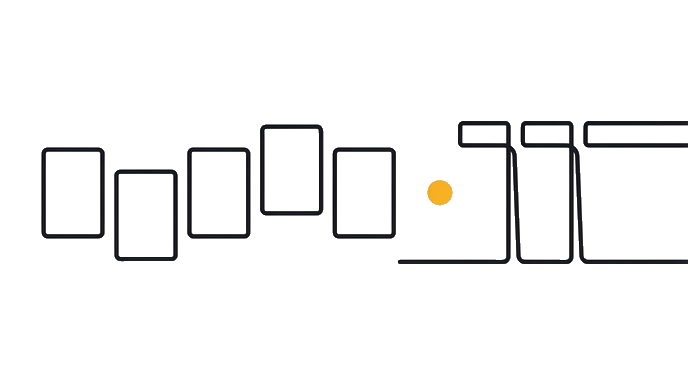
- Publishing packet
- Proof state?
- Canva
- Slides or PowerPoint
- Docs or PDF
- Sites, Codex, or Claude Code
- Preview before publish
Routing rule: choose Canva for designed posts and quick layouts. Choose Slides or PowerPoint for presentation flow. Choose Docs or PDF for reading. Choose Sites or code when the result must be live.
The drafting tool can be ChatGPT, Claude chat, Codex, or Claude Code. The publishing tool owns final review.
Worked example: Claude chat writes a sales story. Canva owns the social post, Google Slides owns the presenter deck, and Codex owns the mobile landing page.
Route by proof, not by which AI tool wrote the first draft.
Approval is part of the asset: the final file is not approved because it exists. It is approved when the named owner sees the final format and says it can go out. Chat approval does not cover a Canva resize, a PDF export, or a public web route unless the owner reviewed that specific output.
Create a simple approval trail: owner, asset version, surface, date, and decision. This can live in a doc, a comment, or a task. The point is that nobody has to reconstruct who approved which version after the file starts moving.
Try it (12 min)
Watch out for
- Using Codex when Canva can finish the asset.
- Using Canva when the deliverable is presenter flow.
- Treating Docs and PDF as the same review state.
- Skipping the final proof surface.
Paste this into Claude
Route this publishing packet.

Packet: [paste]
Needed proof: [presentation, PDF open, social preview, live page, doc review]
Available tools: [Canva, Google Slides, PowerPoint, Docs, Sites, Codex, Claude Code]
Approval owner: [name]

Return:
1. Tool choice.
2. Why the proof belongs there.
3. What stays out of scope.
4. Final check.
What a good response looks like
Use Canva for the social post because proof is a platform-size preview. Use Google Slides for the client deck because proof is presenter flow. Codex is out of scope unless a live route is needed. Final check: preview each surface and get approval.
What good looks like
- The answer chooses a tool from proof
- It names what stays out of scope
- It separates drafting from publishing
- It names final check
When this breaks
- Breaks when one tool owns too many final states.
- Breaks when the tool cannot preview the real output.
AI can help with this
Use your publishing tool to help you you can choose Canva, Google Slides, PowerPoint, Docs, Sites, Codex, or Claude Code based on the proof the asset needs. Start with the exercise prompt and your real input. Ask for one draft, then check it against this proof: The answer chooses a tool from proof. Accept only the version you can verify yourself.
You can now
You can route by proof
- You can separate draft and publish tools
- You can keep scope narrow
- You can name final check
Key takeaways
Tool choice gets easier when the proof state is clear.
- Canva owns designed layout proof.
- Slides and PowerPoint own presenter proof.
- Docs and PDF own reading proof.
- Sites and code own live route proof.