Connecting email and calendar: context Claude can actually use
Drafts from the whole thread, conflicts caught in advance
After this, you'll be able to connect email and calendar, ask Claude to draft a reply using the full message thread, and have it check that a proposed meeting time does not collide with something already on your calendar.
Before you start
Complete Connecting Google Drive first; this lesson reuses the same connect-then-verify habit you built there and applies it to two new sources, your email and your calendar.
The idea
The Gmail and Calendar Connectors are built with opposite safety levels on purpose, and knowing the difference is the whole lesson. Gmail is draft-only: Claude writes a reply into your Gmail drafts but cannot send it. Calendar can read and write, so it can create or change an event, and in a normal chat it asks you to approve each such action first.
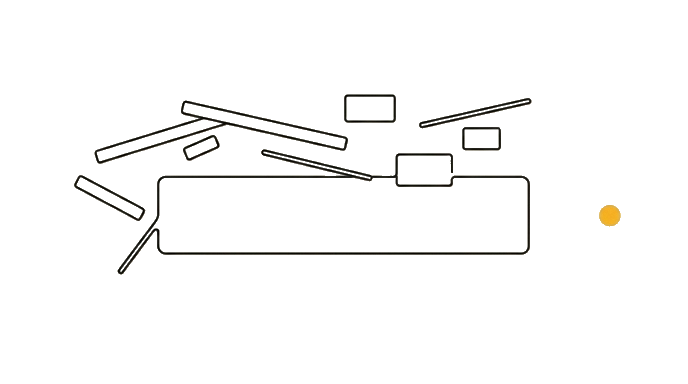
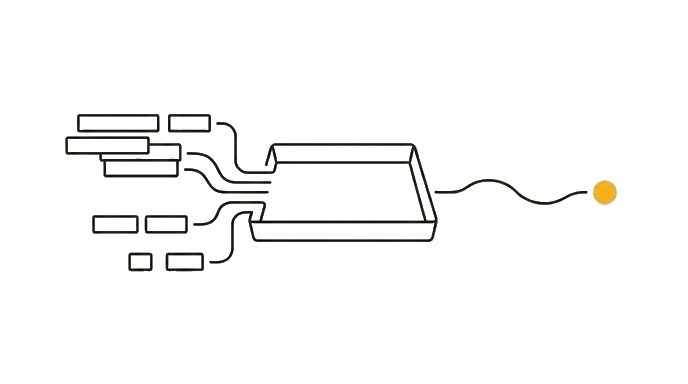
A pasted email is one message with no history. The Gmail Connector lets Claude read the whole thread, so the draft it writes knows what was already promised and what the last message asked.
The Calendar Connector lets Claude see what is already booked, so when someone proposes Thursday at 2pm it can warn you that collides with your dentist appointment before you say yes.
One caveat to carry into the next lessons. That per-action approval is how interactive chat works; it is not a property of the connector itself. Inside a scheduled Routine, a write connector acts without pausing to ask, which is exactly why you scope what an unattended run can touch.
Here is the before and after: Before, a client emails "can we push our call to Thursday?" and you ask Claude for a reply that says yes, not knowing Thursday is double-booked and you owed them slides first. After, you ask "read this thread, draft a reply, and check Thursday against my calendar," and Claude drafts "Thursday is tight, Friday 10am works, and I'll send the slides ahead of time."
Now try it connect email and calendar, find a recent thread that needs a reply, and ask Claude to draft a response using the full thread plus a calendar check for any time it proposes.
Gmail drafts but never sends; in a chat Calendar asks before each write, but a Routine lets it act unattended.
Try it (12 min)
Watch out for
- Asking for a reply without saying 'read the whole thread.' Without that, Claude may answer only the last message.
- Trusting a conflict check on a calendar that is not actually connected. Confirm the Calendar Connector is on first.
- Letting Claude propose a time it never checked. Always ask it to verify the suggested slot is open.
- Forgetting Claude does not know unwritten context. A side conversation by phone never made it into the thread.
- Assuming the per-action approval always applies. In a normal chat Calendar asks before each write; in a scheduled Routine it acts without asking, so scope what that run can change.
Paste this into Claude
Read a real email thread in my inbox and draft a reply that uses the full history, and check any proposed time against my calendar.

The thread: [describe it, e.g. "the thread with Dana about moving our project review"].

Do all of this:
1. Summarize the thread in two or three lines: what was asked, what I already agreed to, and what is still open
2. Draft a reply in my normal tone (direct, friendly, no filler) that responds to the latest message and honors anything I already promised earlier in the thread
3. If the thread proposes a meeting time, check it against my calendar and tell me whether it conflicts; if it does, suggest the nearest open slot that week
4. Save the reply as a draft in my Gmail (you cannot send it, and I will review and send it myself)

For any calendar change, describe exactly what you would create or move and wait for my go-ahead before doing it.
What good looks like
- Claude's two-line summary correctly reflects what was promised earlier in the thread, not just the last message
- The draft reply addresses the most recent message and honors any earlier commitment
- Claude checked the proposed time against your real calendar and flagged a conflict if one exists
- Any suggested alternative time is actually open on your calendar
- Claude left the email as a draft and did not send it, and asked before making any calendar change
When this breaks
- Breaks when key context lived outside the thread (a hallway chat, a phone call), because the Gmail Connector only reads written messages and cannot account for what was never written down.
- Breaks when you have multiple calendars and only one is connected, because Claude checks the calendar it can see and may clear a time that is actually booked on a calendar it cannot.
AI can help with this
After connecting Gmail and Calendar, paste: 'Read the full thread about [topic], summarize what I already agreed to, draft a reply in my normal tone, and check any proposed meeting time against my calendar for conflicts. Save the reply as a Gmail draft for me to send, and ask before making any calendar change.'
You can now
You can complete the lesson outcome in a real Claude chat, Project, Artifact, Connector, Desktop, or Code surface.
- You can verify that claude's two-line summary correctly reflects what was promised earlier in the thread, not just the last message.
- You can verify that the draft reply addresses the most recent message and honors any earlier commitment.
- You can verify that claude checked the proposed time against your real calendar and flagged a conflict if one exists.
- You can verify that any suggested alternative time is actually open on your calendar.
Key takeaways
Gmail is draft-only, so Claude writes the reply but you send it. Calendar can read and write, so it can create or change an event; in a normal chat it asks you to approve each such action. That per-action approval is a feature of interactive chat, not of the connector, so inside a scheduled Routine the same write happens unattended.
- Ask Claude to read the full thread so the reply honors earlier promises, not just the last message.
- Have Claude check any proposed time against your live calendar before you agree to it.
- Confirm which calendar is connected, since a second uncovered calendar can hide a real conflict.
- Know Gmail is draft-only: Claude writes the draft into Gmail and you are the one who sends it.
- Know Calendar asks before each write in a chat, but the same connector acts unattended inside a Routine.