Do the work with AI, repeatably
Turn how you deliver into a workflow you can run for client 2, 3, and 4
After this, you'll be able to build a reusable delivery workflow (the steps, a prompt template, and a quality check) so serving your next client is running a system you trust, not improvising the whole job from scratch again.
Before you start
Complete Set up your delivery system first; that lesson gives you a Project that remembers one client, and this one builds the reusable method you run inside it, so the same quality carries over to every client after the first.
The idea
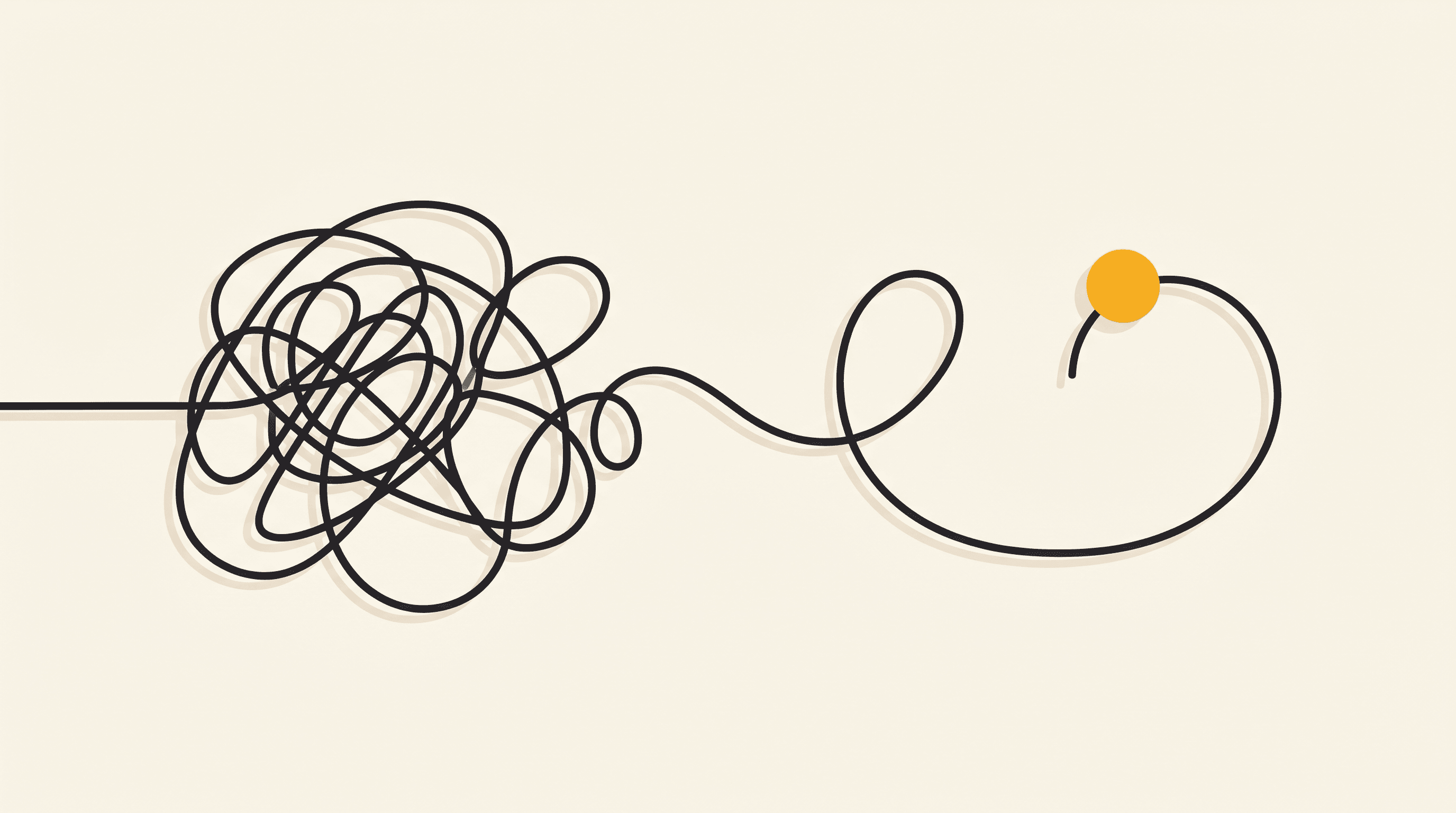
One client you can serve by feel. Three clients by feel will bury you, and the work gets less consistent the busier you get. Right now each job is a fresh act of memory: you recall the steps, you rebuild the prompt, you eyeball whether it is good enough, and on a tired Thursday you skip a step and the quality slips. That does not scale, and it is the exact wall where most people stall right after their first win. The fix is to stop holding the process in your head and turn it into a workflow: a written list of steps, a prompt template you reuse, and a short quality check you run every time.
This is the step up from the Project you built last lesson. The Project remembers one client; the workflow is the method you run inside any of them. Think of it as three small artifacts.
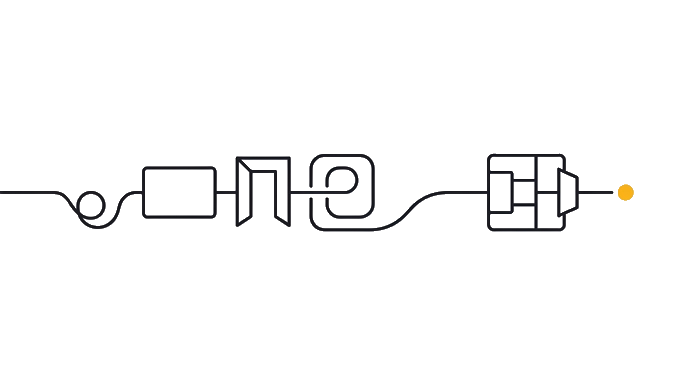
The steps are the order you do the work in, written down so you never skip one. The prompt template is the reusable instruction with blanks you fill per job, so you are not rewriting it each time. The quality check is the short list you run before you send, so "good enough" is a standard you meet, not a mood you are in.
If you use Claude Cowork (a version of Claude that works with real files and folders, not just a chat box), these three live as files in your TEMPLATES folder and travel with you. In the browser, they live in a Project, the workspace you built last lesson. Either way, the work becomes a system you trust instead of a performance you hope goes well.
Here is the before and after: Before, every client is a from-scratch scramble, and quality rides on whether you remembered everything that day. After this, you run the same steps, fill the same template, and pass the same check every time, so client 2, 3, and 4 each get the quality you gave client 1 on your best day, in a fraction of the effort.
Now try it: paste the prompt below and have Claude interview you about how you actually delivered for your first client. It turns that into three things you keep: a numbered steps list, a fill-in-the-blanks prompt template, and a pre-send quality check. Save them, then run the next job through them instead of from memory.
A first client proves you can do the work. A workflow proves you can do it again, and again, without it getting worse as you get busier.
Try it (15 min)
Watch out for
- Automating a weak process. If a step is shaky (you guess, or you skip real review), a workflow just lets you produce shaky work faster for more clients. Fix the weak step first, then make the strong process repeatable.
- Making the artifacts too long to actually use mid-job. A workflow you will not open is not a workflow. Keep the steps skimmable and the check short, the kind of thing you glance at while working, not a document you file and forget.
- Skipping the quality check when you are busy. The whole reason it exists is for the tired Thursday when you would otherwise eyeball it. Run every item, every time. The check is most valuable exactly when you least feel like doing it.
- Treating the first version as final. Your workflow gets sharper with each client. When the same mistake slips through twice, add a line to the quality check so it cannot happen a third time, instead of catching it by hand forever.
- Reusing the template without filling the blanks. The blanks are what keep each job specific to that client. Paste it, then actually replace every [BLANK] with the real detail. A template sent with blanks still in it is worse than no template.
Paste this into Claude
You are helping me turn how I delivered for my first client into a repeatable workflow, so I can serve my next clients without rebuilding the whole process from memory every time. The output is three things I will save and reuse: a steps list, a prompt template, and a quality check.

First, interview me about how I actually did the work for my first client, one question at a time. Wait for each answer. Cover:
- Walk me through how I delivered one finished piece, from the moment I started to the moment I sent it. Every step, in order.
- Which of those steps did Claude help with, and what did I type to get it to help?
- How did I decide a piece was good enough to send? What was I checking for, even if I did not write it down?
- Where did the process wobble or slow down? Where do I usually make mistakes or skip something?

When you have enough, give me three artifacts:

### 1. The steps
A numbered list of the steps to deliver one finished piece, in order. Short, plain, skimmable. Include the checkpoints where I should slow down or get input. This is the list I follow so I never skip a step on a busy day.

### 2. The prompt template
A reusable prompt I can paste for the main piece of the work, with clearly marked [BLANKS] for the parts that change per client or per job. Build it from what I told you actually worked, not a generic template. The point is that I fill the blanks instead of rewriting the whole thing each time.

### 3. The quality check
A short pre-send checklist (5 to 8 items) of what every finished piece must pass before I send it. Pull these from my standards and from the mistakes I told you I tend to make. Phrase each as a yes/no I can answer fast.

Keep all three tight and usable, the kind of thing I will actually open mid-job, not a long document I will ignore.

Be realistic, not flattering. If my current process has a weak step (a place where I am guessing, or skipping real review), tell me, because a workflow that automates a weak process just lets me produce weak work faster, for more clients. Name the one step I should fix or strengthen before I scale this up.
What a good response looks like
Good, I have your process. One honest flag first: your review step is the weak link. You told me you "give it a quick read" before sending, which is the step where mistakes slip through. We will make that a real check below, because automating the rest while keeping a vague review just means more clients getting the same small errors faster. Strengthen the check and the whole workflow gets trustworthy.

Here are your three artifacts. Save them in your TEMPLATES folder (or your Project) and open them every job.

### 1. The steps (follow in order, every newsletter)
1. Get this month's update from the client (or send the reminder if I do not have it).
2. Fill the prompt template below and draft in the client's Project.
3. Read the draft out loud once. Out loud catches what skimming misses.
4. Run the quality check (every item, not a vibe).
5. Fill any [blanks] with real facts, or ask the client for them. Never invent.
6. Format for their email tool and send.

### 2. The prompt template (fill the blanks, do not rewrite)
"Draft this month's newsletter for [CLIENT]. This month's update is [UPDATE]. The oral-health tip should be about [TOPIC, or 'pick a simple seasonal one']. Keep it under 450 words, warm and plain, one soft call to action, no jargon and no fear. Leave a clearly marked [blank] for any fact you do not have."

### 3. The quality check (every item, yes/no, before you send)
- Under 450 words? (Y/N)
- Warm and plain, no marketing tone? (Y/N)
- Exactly one low-pressure call to action? (Y/N)
- Zero fear language and zero jargon? (Y/N)
- Every fact real, with no leftover [blanks]? (Y/N)
- Would I be happy if a nervous patient read this? (Y/N)

Run this on the next client the same way. The steps and the check carry straight over; you only swap the template's blanks. That is the whole point: the method stays, the details change.
What good looks like
- You have three saved artifacts: a numbered steps list, a fill-in-the-blanks prompt template, and a short pre-send quality check
- The steps and the template come from how you actually delivered for client 1, not a generic process, so they fit your real work
- The prompt template has clearly marked [BLANKS] for the parts that change per job, so you fill it in instead of rewriting it each time
- The quality check is short (5 to 8 yes/no items) and pulled from your real standards and your real mistakes, so it catches what you tend to miss
- Claude named at least one weak step in your current process to strengthen before you scale, instead of just tidying a flawed process into a confident-looking workflow
When this breaks
- Breaks when you build the workflow from a generic idea of the job instead of how you really delivered, because then the steps do not match your actual work and you quietly abandon them. Build it from the real run-through of client 1, so it fits the work you actually do.
- Breaks when the quality check is vague ('make sure it is good'), because a fuzzy check catches nothing and the errors you tend to make sail straight through. Phrase each item as a fast yes/no pulled from your real mistakes, so the check does real work.
- Breaks when you scale a workflow before fixing its weak step, because repeatability multiplies whatever you feed it, including the flaws, so a shaky process at one client becomes shaky work at four. Strengthen the weak step first; then let the system carry it.
AI can help with this
Paste the prompt and walk Claude through how you delivered for your first client. It writes the steps, the template, and the quality check from your real process. You save the three artifacts and run your next job through them. You supply the lived experience; Claude turns it into a reusable system.
You can now
Show your three artifacts: the steps, the prompt template, and the quality check.
- Run a real next job through them end to end, filling the template's blanks.
- Pass every item on the check before sending, not a vibe.
- If the check is vague ('make sure it's good'), rewrite each item as a fast yes/no from a real mistake.
Key takeaways
A first client proves you can do the work; a workflow proves you can do it again without it degrading as you get busier. Write the steps, the template, and the check once, and every client after runs through the same trusted system.
- Serving one client by feel works; serving three by feel buries you and the quality slips. A written workflow is what lets delivery scale without getting worse.
- The workflow is three small artifacts: the steps (the order, so you skip nothing), the prompt template (reusable, with blanks you fill), and the quality check (a short yes/no list you run before you send).
- This is the method you run inside any client's Project. The Project remembers one client; the workflow is how you deliver in all of them, which is what makes it repeatable across jobs.
- Build it from how you actually delivered for client 1, not a generic process, or the steps will not match your work and you will quietly drop them.
- Repeatability multiplies whatever you feed it. Fix the weak step (usually a vague review) before you scale, or you just produce the same small errors faster, for more clients.