Run a first safe session
Brief, inspect, change, prove
You ask Claude Code to fix one broken toggle. Halfway through, the fix also quietly touches your sign-in code. A safe session is the difference between a small fix and a scary surprise.
20 min · You'll run Claude Code without letting scope driftYou'll write a short brief that makes Claude Code look before it leaps, stay inside a boundary, and stop before it wanders into risky code.
Before you start
Complete Pick the right surface first.
Remember from Know when to use Claude Code?
Two lessons back, a good Claude Code task started with three things. Without scrolling, what were they?
Show one good answer
Target, boundary, and proof. What to change, what to leave alone, and how you will check it. This whole safe-session brief is just those three written out in order.
The idea
A safe Claude Code session has four moves. Brief, inspect, change, prove.
- BriefName the task, the source of truth, the boundary, and the proof.
- InspectClaude reads the current files first, before it edits anything.
- ChangeMake one small change you can actually review.
- ProveRun the test, build, or page check that shows it worked.
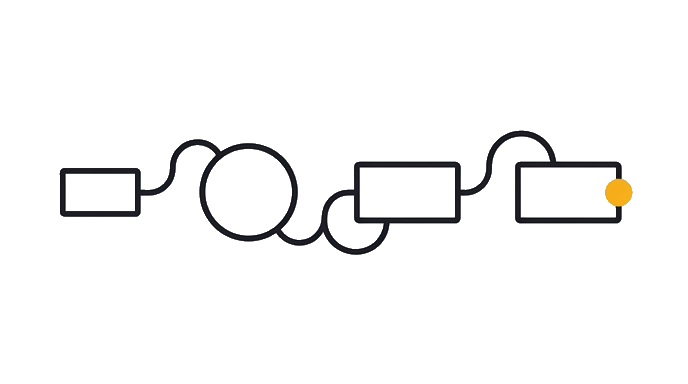
Session loop: the brief names the task, the source of truth, the boundary, and the proof. The inspect step makes Claude Code read the current files before it edits, so the session starts from fact instead of a guess.
Claude Code has a built-in plan mode for exactly this. Press Shift+Tab twice, or type /plan, and Claude reads your files and proposes a plan first, before it changes anything. Here is what that looks like on the settings-toggle task below:
Claude Code v0.0.0
Sonnet (200K context) · Claude Pro
~/project
Read SettingsToggle.tsx and its test. Found it: onChange never calls setState. Plan: (1) fix the handler, (2) run the component's test, (3) show you it passing. Won't touch sign-in or account files.

Yes, manually approve edits
No, keep planning
You read the plan, then approve it or ask for changes. Only after you approve does Claude Code start editing.
Tip: ask it what it can do. New session, not sure what is possible? Just ask, in plain words: "what can you help me with here?"
You do not need the right vocabulary first. Asking is the on-ramp, not a sign you are behind.
The change step should stay small enough to review. If Claude finds a bigger problem, it should report that and stop before widening scope.
The proof step is where you accept or reject the work. The strongest proof is one Claude Code can run and show you itself, like a passing test, not just your own eyeballing (its own lesson later; for now, just notice the difference). A useful session ends with changed files, commands run, and any proof the task called for.
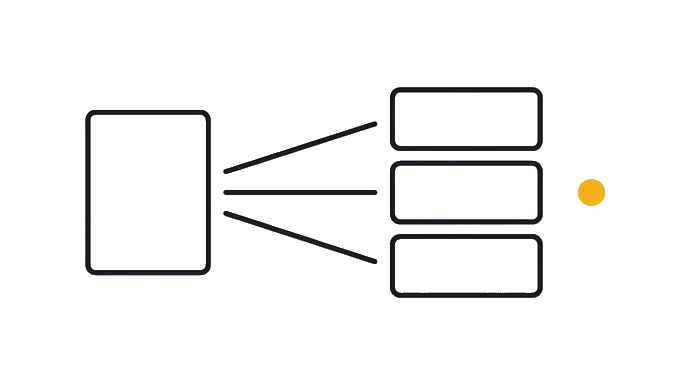
For risky work, ask Claude Code to work in a separate, throwaway workspace first, so your main project stays untouched. It calls this a worktree, a separate copy on its own branch. You never set one up by hand, you ask Claude Code for it.
- Your projectYour real files. Nothing here changes while the worktree exists.
- .claude/worktreesWhere Claude Code keeps every worktree it creates for you.
- A worktreeA separate copy, on its own branch. Ask Claude Code for one, and break it freely.
Worked example. A settings toggle is broken and you ask Claude Code to fix it.
It reads the toggle component and its test (a small automatic check that the code still works), makes one change, then runs that test and shows you it passing. It stops if the fix starts to touch sign-in or account data, outside the brief.
Claude Code v0.0.0
Sonnet (200K context) · Claude Pro
~/project
Fixed the onChange handler so it calls setState. Ran SettingsToggle's test: 1 passed, 0 failed. No other files changed.
If that test comes back red, that is not a crisis, it is the safety net doing its job. Read what it says, fix that one thing, run it again.
It is also normal to throw a session away and start over. Many practitioners restart a good share of their sessions, and that is routine, not proof you did something wrong.
This pattern matters even for tiny tasks, because it turns Claude Code from an editor that does whatever it wants into a controlled worker you can check.
Watch
You type this
Fix the broken settings toggle. Read the toggle component and its test first, change only what the fix needs, run that one test, and stop if the fix starts to touch sign-in or account data.
Claude does this
It first reads the toggle component and its test, then makes one change, then runs that one test and shows you it passing. It stops if the fix starts to touch sign-in or account data, because those were outside the brief.
Why this works
- Read the toggle component and its test first
inspecting first makes it start from fact instead of a guess.
- change only what the fix needs
a small change stays small enough to review.
- stop if the fix touches sign-in or account data
a stop rule keeps a small fix from quietly becoming a risky one.
Your turn
The stop rule
This task sits next to payment, not sign-in. What danger should make Claude Code pause and check with you here?
Give it a try first. It sticks better than reading the answer cold.
On your own
Pick one small real task. Write a five-line brief for Claude Code: the task, what to inspect first, what not to touch, the proof to run, and a stop rule if the scope grows.
- I told it to inspect before editing
- I named what not to touch
- I named the proof and a stop rule
Your takeaway
Loading your card…
When this breaks
- Breaks when inspection is skipped, because the agent can edit from stale assumptions.
- Breaks when the proof is weaker than the risk, because a dangerous change can look complete.
You can now
You can start with a short repo brief
- You can require inspection before editing
- You can isolate risky work in a branch or worktree
- You can keep the change reviewable
Try it from memory
Pulling this out of your own head now is the part that actually moves it into long-term memory. Re-reading just feels like it does.
Without scrolling up, name the four moves of a safe first session in your own words. Then say which one you are most likely to skip when you are in a hurry.
Tap to see one good answer
The four moves are brief, inspect, change, prove. Most people skip inspect. They let the agent start editing before it has read the current files, which is exactly when stale guesses sneak in. Naming the move you would skip is how you catch yourself doing it next time.
Key takeaways
A safe first session is brief, inspect, change, prove. Anything bigger needs a new decision before it continues.
- Inspection prevents stale or guessed edits.
- Small changes are easier to review and reject.
- Stop rules protect nearby systems like auth, billing, data, and publishing.
- Proof must match the task risk.
AI can help with this
Not sure how to start a safe session? Open Claude Code and say inspect the files first, show me your plan, and wait for my okay before you touch anything. It reads before it edits and stops right there until you approve, so you never have to sound like an expert to stay safe.